Sharing HTML and CSS Prototypes With Stakeholders
Share HTML and CSS prototypes with clear review goals, reliable assets, accessible layouts, privacy checks, and a repeatable stakeholder handoff.
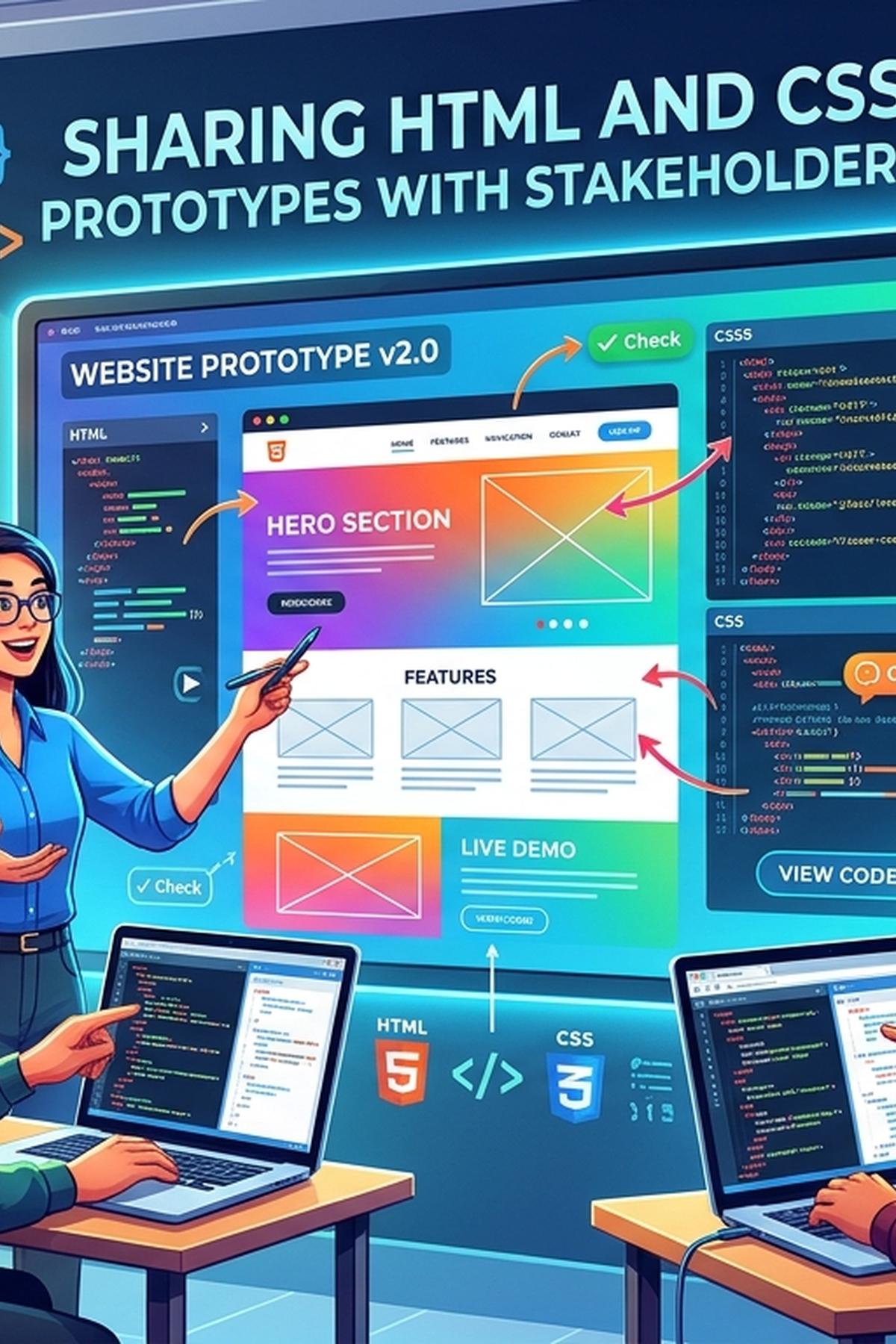
Your prototype looks right on your laptop. Then a stakeholder opens it on a phone, the font fails to load, and the conversation turns into a discussion about broken spacing. Sharing HTML and CSS prototypes takes more than sending files. You need a reliable preview, a clear review brief, and enough context for people to judge the interface fairly. A few deliberate checks can keep the discussion focused on the decisions you actually need.
Before You Share
- Package the prototype with working assets and clear review goals.
- Check privacy, browser behavior, and keyboard access before sharing.
- Preserve a dated copy of every version stakeholders approve.
Choose the Decision Before Choosing the Delivery Method
Start with what stakeholders need to decide. A layout review needs different evidence from a checkout review. For layout, people may need to compare content hierarchy across screen sizes. For checkout, they need to follow a path, encounter validation, and understand what happens after submission.
Write a short review brief before publishing anything. State which screen is ready, which interactions work, and which details remain provisional. Ask a concrete question: “Can a first-time visitor identify the primary action without scrolling?” That produces more useful feedback than “Thoughts?”
Match the format to that question. A screenshot captures appearance at one viewport. A PDF supports annotation and meeting notes. A browser preview lets reviewers resize content, follow links, and use a keyboard. None preserves every aspect of the others.
Prepare Browser Files Instead of Sending Your Working Folder
A development directory can contain dependencies, credentials, unfinished experiments, and source files that browsers cannot run directly. Create a separate distribution folder containing only the files needed for review. If the project uses a build tool, generate its production output and inspect that output before uploading it.
Keep asset references portable. A path pointing to your computer will fail for everyone else. Relative paths can work for a prototype served from a subdirectory, but they still need checking against the final hosting location. Filename capitalization also matters on many servers, even when your local environment tolerated a mismatch.
Use a predictable structure. An entry document, a stylesheet, and an assets directory are usually enough for a small static prototype. Remove unused font files and oversized exports. Give images explicit dimensions where possible to reserve their space during loading.
Test through a local HTTP server before sharing. Opening a document through a file URL can produce different behavior for modules, requests, and browser security rules. Your local test should resemble the published environment closely enough to expose those differences.
Use a Browser Service for a Lightweight Review
For a small, static prototype, a free browser-based service can fit between local development and a formal staging environment. It gives teams a lightweight route to presenting an HTML document without treating every review as a deployment project.
A service for web page conversion fits naturally at this handoff point. Prepare a sanitized HTML version, check the service’s current input and output options, and test the resulting preview before distributing it. Treat conversion as a packaging step that still requires inspection.
Check how the service handles linked stylesheets, images, fonts, and scripts. Do not assume that uploading one HTML file also transfers everything it references. If the workflow requires a self-contained document, place necessary CSS inside a style element and handle assets according to the supported format.
A static review service suits public-safe layouts and small interaction demonstrations. A prototype that depends on authentication, private APIs, server rendering, or several application routes may need a controlled staging environment. Choose based on what the review must demonstrate.
Convert Files Without Losing the Behavior Under Review
Conversion changes what reviewers can inspect. Turning a design export into HTML does not automatically create semantic structure, responsive behavior, or maintainable CSS. A layout may look accurate at its original dimensions while breaking as soon as someone enlarges the text.
Inspect generated markup before sharing it. Replace layout-only wrappers with meaningful elements where appropriate. Use buttons for actions and links for navigation. Keep text as text instead of flattening whole interface sections into images.
PDF conversion introduces another set of checks. Print output may alter backgrounds, split cards across pages, or omit content inside scrolling regions. A PDF also cannot preserve the full behavior of menus, focus states, or form interactions. Label it as a visual reference and retain a browser version when behavior matters.
If you provide both formats, identify which one governs each decision. Reviewers can use the PDF for annotated copy changes and the browser preview for responsive layout and interaction feedback.
Build Responsive Behavior That Survives Real Content
Stakeholders rarely open a prototype at the exact width used during development. Build a stable baseline before adding newer CSS features. A single-column layout can provide that baseline, with Grid introducing columns when the browser supports it.
.review-layout {
  max-width: 72rem;
  margin-inline: auto;
  padding: 1rem;
}

.review-layout > * {
  min-width: 0;
}

.review-layout > * + * {
  margin-top: 1rem;
}

@supports (display: grid) {
  .review-layout {
    display: grid;
    gap: 1rem;
    grid-template-columns: repeat(
      auto-fit,
      minmax(min(100%, 18rem), 1fr)
    );
  }

  .review-layout > * + * {
    margin-top: 0;
  }
}
This example uses normal document flow as its fallback. The Grid rule allows cards to wrap as available space changes. The minimum width constraint prevents a card from requiring more space than its container can provide.
Check the browsers your audience actually uses. Where your CSS relies on newer features, verify support for the specific syntax and provide a usable baseline. Test long headings, translated-length labels, and missing images. Placeholder content often hides layout weaknesses that realistic content exposes.
Keep Accessibility Visible During Review
Accessibility belongs in the prototype because it affects the experience stakeholders approve. A menu that works only with a mouse can make an incomplete interaction appear finished.
Move through the interface with Tab and Shift+Tab. Confirm that focus remains visible and follows a sensible sequence. Check that form controls have labels, error messages explain the problem, and interactive elements remain usable when text grows.
Use headings to express the document’s structure. Official guidance on heading structure explains that headings support navigation through browsers and assistive technologies. Their levels should reflect content relationships, rather than being chosen for their default font sizes.
Test zoom at 200 percent and inspect a narrow viewport separately. Disable animation through the operating system’s reduced-motion preference and confirm that the interface still communicates state changes. When a feature is only a demonstration, describe its limits in the review brief.
Check Privacy Before Anything Leaves Your Machine
Use invented names, addresses, account balances, and messages. Removing visible personal details is only part of the work. Inspect HTML attributes, script variables, browser storage, comments, and asset filenames for information that should stay private.
Review external requests too. Remote fonts, analytics scripts, embedded media, and API calls can contact third parties when a stakeholder opens the prototype. Remove integrations that the review does not need.
Before using an external service, read its current privacy and retention information. Confirm whether the intended workflow provides the access restrictions your project needs. A hard-to-guess URL does not establish access control. Keep confidential work in an environment with suitable authentication and permissions.
Run an Output Check on the Shared Version
The published preview is the artifact under review. Test it separately from your local copy. Open it in a fresh browser session to catch dependencies on your own login, cached assets, or stored application state.
Use this compact inspection pass before sending the link:
- Load the shared preview on a phone and a desktop browser.
- Inspect network requests for missing assets and unexpected destinations.
- Read console errors and validate the exported HTML for structural mistakes.
- Complete the intended review path using a keyboard.
- Confirm that visible version details match the review brief.
Measure loading costs when they could distort feedback. Record transferred bytes, image sizes, font requests, and layout shifts under a consistent throttling setting. Compare repeated runs under the same conditions. A prototype can reveal rendering problems, but its measurements do not predict production performance without accounting for production content, services, and traffic conditions.
Preserve the Version Behind Every Approval
A shared URL may change while the discussion continues. Preserve the source files, build output, review brief, and representative screenshots for each review milestone. Record the date, version identifier, viewport dimensions, and browser used for those screenshots.
Keep approved versions stable. Publish revisions as separate artifacts when the workflow allows it, then tell reviewers which version needs attention. This prevents feedback on an old layout from being mistaken for feedback on the current one.
Archive the actual files even if an external service hosts the preview. Availability, retention policies, and project access can change. A local or repository-backed archive lets the team reconstruct the interface behind an earlier decision.
Give Stakeholders a Clear Path to a Decision
Send the preview with a short brief: what changed, what to test, and which decision you need by a stated date. Ask reviewers to include their browser, device, and reproduction steps when reporting a problem. Screenshots help most when they accompany a description of what happened.
Separate observations from proposed fixes during the discussion. “The primary action is difficult to find on my phone” gives the team a problem to investigate. A request to move it ten pixels may hide that underlying concern.
A useful handoff gives people confidence in what they are reviewing. The assets load, the scope is clear, sensitive information stays protected, and the reviewed version remains available. That preparation makes stakeholder feedback easier to act on and gives developers a firmer basis for the production interface.