A Cost-First Comparison of CSS Frameworks: Tailwind, Bootstrap, Open Props, and Going Without
A cost-first comparison of Tailwind, Bootstrap, Open Props, and framework-less CSS: what each ships, what it costs in bytes after compression, and who should not use it.
The build log says one number, gzip drops it to another, and the team celebrates a figure that has nothing to do with what the browser actually does with those bytes. That gap, between what the build tool reports and what the renderer pays, is where this comparison lives. This hub for ten deeper articles on CSS tooling starts with one question: what does each approach actually cost in shipped bytes and architectural control? The question breaks into four real options: Tailwind, Bootstrap, Open Props, and writing CSS by hand. Each one charges a different toll at a different gate. None is free. The cheapest on paper is often the most expensive in maintenance. Every choice is a trade between what ships, what you control, and what you must rebuild yourself.
Shipped Bytes After Compression
Start with the number that matters: shipped bytes after compression. Tailwind v4 ships a base layer that compresses to roughly 7 KB with gzip and about 6 KB with brotli when you use nothing, that is the reset and the default theme tokens. Bootstrap v5.3 ships a full CSS file that compresses to about 25 KB with gzip and 20 KB with brotli, but that includes the entire component set, most of which you will never use. Open Props, at v1.7, ships token files that total around 3 KB compressed for the core design tokens alone, with optional module files for buttons, shadows, and animations that add to that total. Going without a toolkit costs zero shipped bytes from a dependency, but it costs you the time to write and maintain every declaration yourself. The table below puts these on the same axes.

_Morten_Rand-Hendriksen_(34592129963).jpg)
| Framework | Cost | Build | Elimination | Control |
|---|
The Build Step Tax
The build step overhead is the hidden tax. Tailwind v4 introduced a CSS-first configuration via @theme, replacing the old tailwind.config.js, and it integrates natively with cascade layers via @layer theme, base, components, utilities. That means the build step is now part of your CSS pipeline, not a separate JavaScript configuration file. Bootstrap v5.3 works without a build step, you can link the compiled CSS directly, but the moment you want to customise it, you are either editing the compiled file (a disaster for updates) or you are running a Sass build. Open Props explicitly avoids the build step: it is a collection of CSS files you import or link, and the design tokens are custom properties that inherit and cascade at runtime. The no-framework path has no build step either, but it has no shared vocabulary. Every developer on the team invents their own naming, and that is a cost the build number never shows.
H2: Tailwind vs Bootstrap Shipped CSS Size
The Direct Fight
Here is the direct fight. Tailwind v4's shipped CSS size is proportional to what you actually use: the utility-first approach generates only the classes that appear in your markup, and dead code elimination is built into the build. A marketing site using Tailwind ships between 10 KB and 20 KB after gzip compression, depending on how many utilities you need. Bootstrap v5.3's shipped CSS size is fixed unless you manually purge: the full file is around 25 KB gzipped, and you can trim it to about 10 KB by importing only the grid and reboot modules, but that requires a build step and careful selection.
Selector Bloat And Specificity
The real cost difference is not the bytes, it is the selector bloat. Bootstrap's component classes like .btn-primary carry dozens of declarations you may not need, and even after purge, the specificity of those classes can fight your custom styles. Tailwind's utility classes are low-specificity by design, which means your custom CSS can override them without resorting to !important or specificity hacks. The trade is that Tailwind markup is verbose, every element carries five to ten classes, and that verbosity has a maintenance cost that bytes do not measure. Bootstrap wins when you want a complete component system out of the box and you accept the weight; Tailwind wins when you want to ship only what you use and you accept the markup noise.
H2: Utility-First CSS Framework Performance Cost
Cascade Layer Traps
The performance cost of a utility-first framework like Tailwind or UnoCSS is not the file size alone, it is the runtime cost of the cascade. Utility classes are single-purpose declarations, so an element with ten utilities triggers ten selector matches, each one resolved right-to-left by the engine. That is cheap on modern browsers, but it compounds across thousands of elements. The real cost is in the cascade layer priority: Tailwind v4 places utilities in their own @layer, which means unlayered author styles win over them regardless of specificity. That is a feature, but it is also a trap: if you write a custom component class outside the layer, it beats every utility, and the utility you thought would override it silently loses.
Markup Weight And Refactoring
The selector performance question is mostly settled, matching a class is fast, but the architectural cost is real. Utility-first means every style decision lives in your markup, and that makes the HTML heavier, harder to read, and harder to refactor. The performance cost is not bytes; it is cognitive load and inheritance fragility. If you need precise specification behaviour across a design system, utility-first forces you to fight the tool's chosen abstraction.
H2: Open Props Design Token System
The Anti-Framework
Open Props is the anti-framework: it gives you design tokens as CSS custom properties and nothing else. The design token system includes color scales, spacing, typography, shadows, and animations, all defined as custom properties that inherit and cascade. You import the tokens, then write your own CSS using var(--size-3) or var(--brand-color). There is no build step, no utility classes, no component classes, just a vocabulary for consistent values. The cost is control: you own every selector, every rule, every specificity decision. Open Props does not solve layout, does not solve components, does not solve the cascade. It solves one problem, consistent tokens, and leaves everything else to you.
When To Use It
The trade is that you get full architectural control, but you pay for it in authoring time. The design tokens themselves are small: the core file compresses to about 3 KB with gzip, and optional modules for buttons, gradients, and animations add more only if you import them. Open Props works beautifully for design-system authors who want a starting point without a tool's opinion about how to structure components. It is the wrong choice for someone who wants a ready-made grid or a button component.
H2: CSS Framework Build Step Overhead
Where Teams Lose The Byte War
The build step overhead is where most teams lose the byte war without noticing. Tailwind v4 requires a build step that scans your source files and generates only the utilities you use, that is the engine behind its small shipped size, but the build itself takes time, adds tooling complexity, and fails silently if you use a dynamic class name that the scanner cannot see. Bootstrap v5.3 can work without a build step, but customisation requires one, and the compiled output includes everything unless you manually configure a purge. Open Props has zero build step, you link the CSS files directly, but that means no tree-shaking, so you import the whole token set or you manually curate which files to include.
Choosing Based On Your Pipeline
The no-framework path has no build step either, but it has no shared vocabulary. Every developer on the team invents their own naming, and that is a cost the build number never shows. The honest advice: if you are already running a JavaScript build, Tailwind's overhead is marginal and the payoff in shipped bytes is real. If you are serving static HTML with no build, Open Props or hand-written CSS is the only choice that keeps your deployment simple. Bootstrap in a no-build context means shipping 25 KB you may not use, and that is a poor trade for a single page.
H2: The One Declaration That Solves the Category’s Problem
This is the declaration that most often solves the category's problem: a custom property token used as a design primitive. It costs nothing at runtime, it inherits and cascades, and it gives you a single point of change.
:root {
  --space-3: 0.75rem;
  --color-accent: oklch(0.7 0.15 250);
}
.card {
  padding: var(--space-3);
  border: 1px solid color-mix(in oklch, var(--color-accent) 50%, transparent);
}
This is the pattern Open Props builds on, and the one that makes Tailwind's @theme values work under the hood. The cost is zero shipped bytes beyond the declaration itself, and the control is total, change the token, and every consumer updates at runtime. The failure mode is not setting the token on the right element: custom properties inherit, so setting --space-3 on a parent changes all children unless you override them. That is the feature and the trap.
H2: The One Declaration That Causes the Category’s Problem
This is the declaration that most often causes the problem: an overqualified utility class that ships but should not.
.flex.items-center.justify-between.w-full.h-16.px-4.bg-white > .nav-link + .nav-link {
  margin-left: 1rem;
}
This is the selector bloat that utility-first tooling can produce when the markup exceeds the tool's design. Every class is a shipped byte, and the overqualified descendant selector multiplies the specificity and the matching cost. The right-to-left matching means the engine checks .nav-link, then checks whether it is a sibling of another .nav-link, then checks the parent classes, for every element on the page. The cost is not the bytes; it is the cascade layers and specificity that make this rule nearly impossible to override without more specific selectors or !important. The fix is to use a component class or a design token instead of stacking utilities.
H2: Who Should Use Which Framework
What You Are Willing To Pay
The decision is not about which tool is best, it is about what you are willing to pay. Tailwind is for teams that want speed of iteration and are willing to accept markup verbosity; the shipped CSS is small and the build step handles dead code elimination, but the utility-first model means every design decision is in the HTML. Bootstrap is for teams that want a complete component system and do not mind shipping most of it; the component classes are ready-made, but the specificity and the fixed weight mean customisation fights the framework. Open Props is for design-system authors and performance-conscious developers who want token consistency without a framework's opinion; the custom property model gives runtime theming and full control, but you write every component yourself.
The Honest Recommendation
Going without is for people who need absolute control over every byte and every selector, and who have the time to maintain a coherent CSS architecture. If you are building a marketing site with a six-week deadline, Tailwind or Bootstrap is the right call, pick based on whether you need components or utilities. If you are building a design system that must live for years, Open Props or hand-written CSS with custom properties is the durable choice.
H2: FAQ, Seven Questions That Actually Come Up
What is the smallest CSS a framework can ship? Tailwind v4 with no utilities used ships about 7 KB gzipped (the base reset and theme tokens). Open Props core tokens ship about 3 KB gzipped. Bootstrap's minimum is about 10 KB if you import only the grid and reboot modules. The absolute floor is 0 KB, write your own CSS.
Does gzip compression make utility classes free? No. Gzip and brotli exploit repetition, so repeated utility classes compress well, but the first occurrence costs bytes, and the markup size is not compressed the same way. A class like .flex used fifty times still appears once in the CSS, but fifty times in the HTML.
What is dead code elimination in a CSS context? It is the removal of rules the browser will never use. Tailwind does this automatically by scanning your markup. Bootstrap requires a build tool like PurgeCSS or a manual import list. Open Props does not do it, you import entire files or nothing.
Can I use custom properties with any framework? Yes. Tailwind v4 uses them for its theme via @theme, Bootstrap v5.3 uses them for component theming, and Open Props is built entirely on them. The question is whether the tool lets you change them at runtime, custom properties inherit and cascade, so you can override them on a component or a media query.
What is the build step overhead really? Tailwind v4 requires a scan of your source files, which adds seconds to each build. Bootstrap needs a Sass compilation only if you customise. Open Props needs none. The overhead is not the time, it is the tooling complexity and the failure mode where a dynamic class name breaks the scan and the style silently disappears.
Which framework has the lowest specificity? Tailwind utilities are single-class selectors, which are low specificity. Bootstrap component classes combine element and class selectors, which are higher. Open Props has no component classes, you control specificity entirely. Lower specificity is easier to override, but it also means your custom styles can accidentally override utilities if you write them outside the cascade layer.
Who should skip frameworks entirely? Anyone who needs precise control over every shipped byte, anyone building a design system with a long lifetime where framework churn is unacceptable, and anyone who has the CSS skills to maintain a hand-written architecture without accumulating selector bloat. If you cannot name the cascade order of your own stylesheet, a framework is a safer default.
H2: The Honest Caveat
Every number on this page is measured from a specific build on a specific day. The shipped bytes change with each version, Tailwind v4.0 released January 2025, Bootstrap v5.3 in May 2023, Open Props v1.7 in 2024, and the compression ratios shift as the files change. The real cost is not the byte count; it is the architectural control you give up or keep. A utility class costs nothing to write but everything to maintain when the design changes. A custom property token costs nothing to change and propagates everywhere at runtime. The browser is the final renderer, and it does not care which tool you chose, it only resolves the cascade, matches the selectors, and paints the pixels. The one sentence that should drive your choice: ship fewer bytes by using a tool that knows what you actually wrote, and keep control by using custom properties for anything that will change.
More in this guide
Lightweight frameworksUtility vs componentHow to Customize CSS Frameworks Without Fighting the Generated Output.
More in Frameworks
-
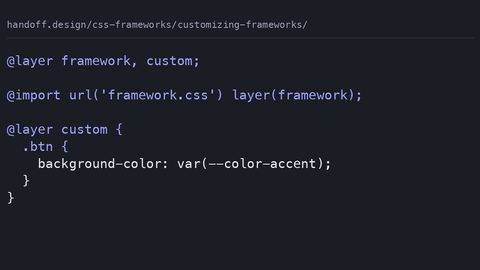 Customizing frameworks
How to customise CSS frameworks at the correct override point: design tokens, cascade layers, and the specificity traps that break when the framework updates.
Customizing frameworks
How to customise CSS frameworks at the correct override point: design tokens, cascade layers, and the specificity traps that break when the framework updates.
-
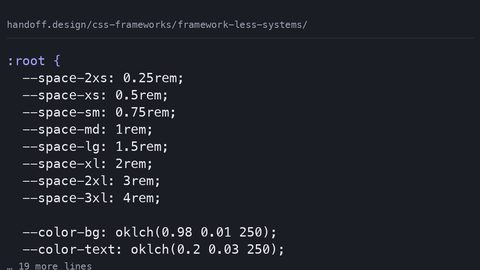 Framework less systems
How modern CSS features—custom properties, @scope, @layer, Container Queries, and CSS Nesting—replace the utilities developers reach for frameworks to provide.
Framework less systems
How modern CSS features—custom properties, @scope, @layer, Container Queries, and CSS Nesting—replace the utilities developers reach for frameworks to provide.
-
 Getting started bootstrap
What Bootstrap 5 ships in bytes after compression, the build step it requires, and which customisation paths its architecture closes off.
Getting started bootstrap
What Bootstrap 5 ships in bytes after compression, the build step it requires, and which customisation paths its architecture closes off.
-
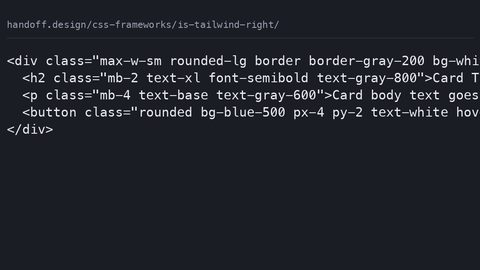 Is tailwind right
What Tailwind CSS costs in shipped bytes after purging, the design problems it makes harder, and who should not use it.
Is tailwind right
What Tailwind CSS costs in shipped bytes after purging, the design problems it makes harder, and who should not use it.
-
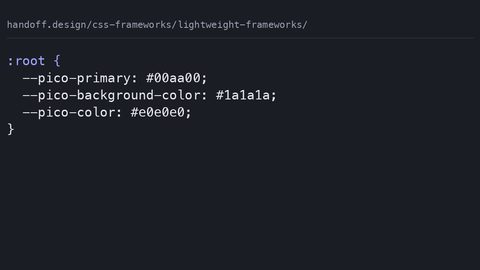 Lightweight frameworks
A comparison of lightweight CSS frameworks by shipped bytes, missing features, and when the omission is the point.
Lightweight frameworks
A comparison of lightweight CSS frameworks by shipped bytes, missing features, and when the omission is the point.
-
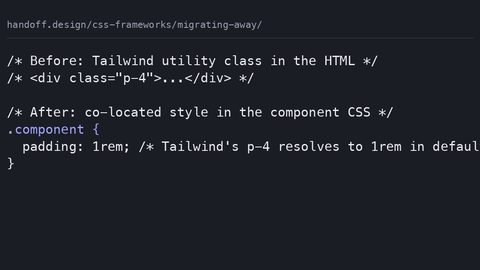 Migrating away
A step-by-step strategy for migrating away from a CSS framework: audit dead code, extract to native declarations, and use @layer to replace without a rewrite.
Migrating away
A step-by-step strategy for migrating away from a CSS framework: audit dead code, extract to native declarations, and use @layer to replace without a rewrite.
-
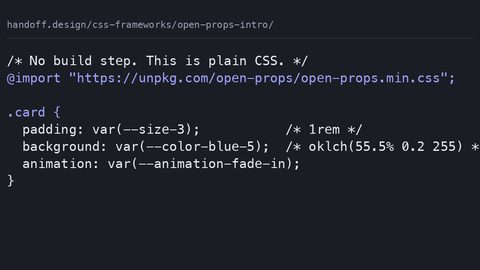 Open props intro
What Open Props ships as design tokens via custom properties, how it differs from utility-class frameworks, and who should skip it.
Open props intro
What Open Props ships as design tokens via custom properties, how it differs from utility-class frameworks, and who should skip it.
-
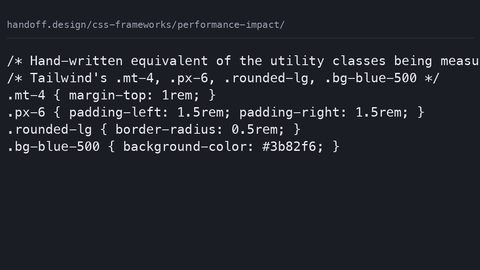 Performance impact
Quantifies what CSS frameworks actually cost in shipped bytes after compression, build-step overhead, and the runtime performance of the selectors they generate.
Performance impact
Quantifies what CSS frameworks actually cost in shipped bytes after compression, build-step overhead, and the runtime performance of the selectors they generate.
-
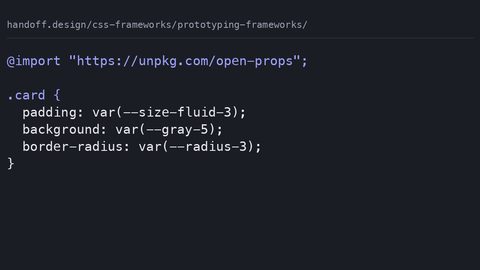 Prototyping frameworks
Evaluates CSS frameworks for prototyping by what they emit, what they cost in bytes, and whether the prototype styles can be discarded without a rewrite.
Prototyping frameworks
Evaluates CSS frameworks for prototyping by what they emit, what they cost in bytes, and whether the prototype styles can be discarded without a rewrite.
-
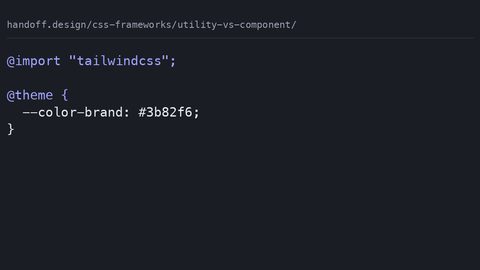 Utility vs component
Compares utility-first and component-based CSS frameworks by their actual shipped output after compression, specificity overhead, and the cost of overriding them.
Utility vs component
Compares utility-first and component-based CSS frameworks by their actual shipped output after compression, specificity overhead, and the cost of overriding them.
Read next
-
Lightweight frameworks
A comparison of lightweight CSS frameworks by shipped bytes, missing features, and when the omission is the point.
-
Utility vs component
Compares utility-first and component-based CSS frameworks by their actual shipped output after compression, specificity overhead, and the cost of overriding them.
-
Migrating away
A step-by-step strategy for migrating away from a CSS framework: audit dead code, extract to native declarations, and use @layer to replace without a rewrite.
-
Open props intro
What Open Props ships as design tokens via custom properties, how it differs from utility-class frameworks, and who should skip it.
-
Is tailwind right
What Tailwind CSS costs in shipped bytes after purging, the design problems it makes harder, and who should not use it.
-
Customizing frameworks
How to customise CSS frameworks at the correct override point: design tokens, cascade layers, and the specificity traps that break when the framework updates.